Iron-on name labels for clothing
Not just a name. A way to reach you, and what a caregiver needs to know.
Every other label tells whoever finds your child's jumper what they are called. These also tell them how to reach you.
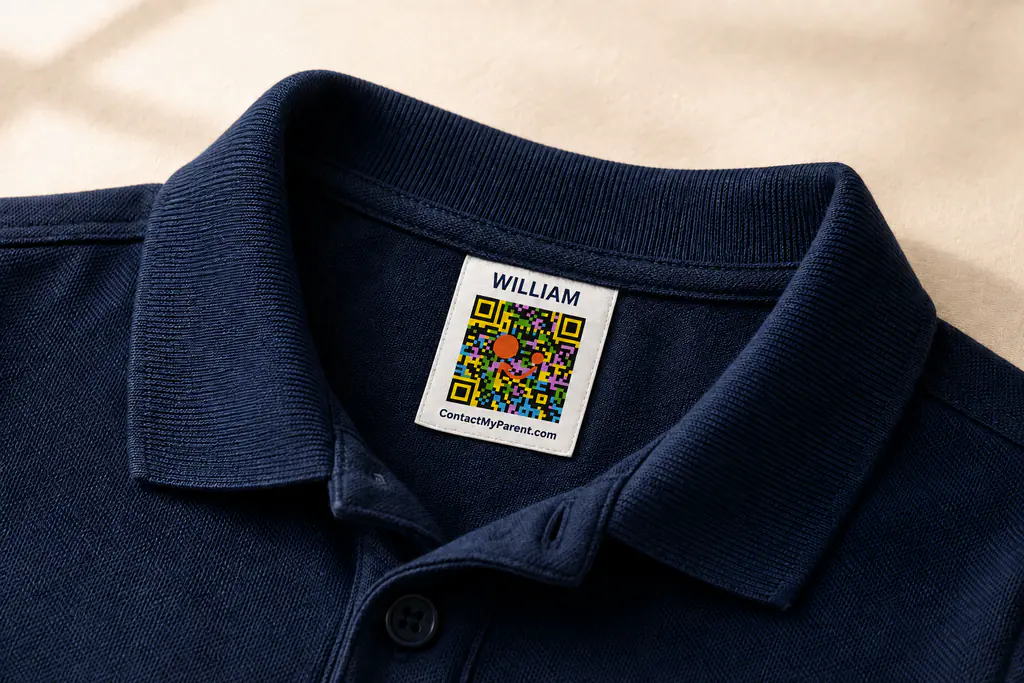
Choose by where the label will sit
Both clothing formats include a name, QR code and ContactMyParent.com branding. The difference is the surface you apply them to.
Iron-on name labels
Apply directly to suitable garment fabric.
Care-tag name labels
Apply to the existing heat-safe care tag.
Planning a whole school wardrobe? Use the school label checklist.
Made for school uniforms, jackets and sports kit
Iron-on application with no sewing. Waterproof, and rated to survive 50 plus washes including machine drying. Each label carries a unique QR code linked to your profile.
- Application
- Iron-on, no sewing
- Durability
- Survives 50 plus washes, including machine drying
- Water resistance
- Waterproof
- Suitable for
- School uniforms, jackets, sports kit, everyday clothing
- Includes
- A unique QR code linked to your contact profile
- Setup
- One bundle code links every label in the pack to your profile
Packs and pricing
Most families use 25 to 30 labels for one child's core school wardrobe. Choose 50 for replacements, new items through the year, or two smaller wardrobes. One-time purchase, no subscription, 30-day returns.
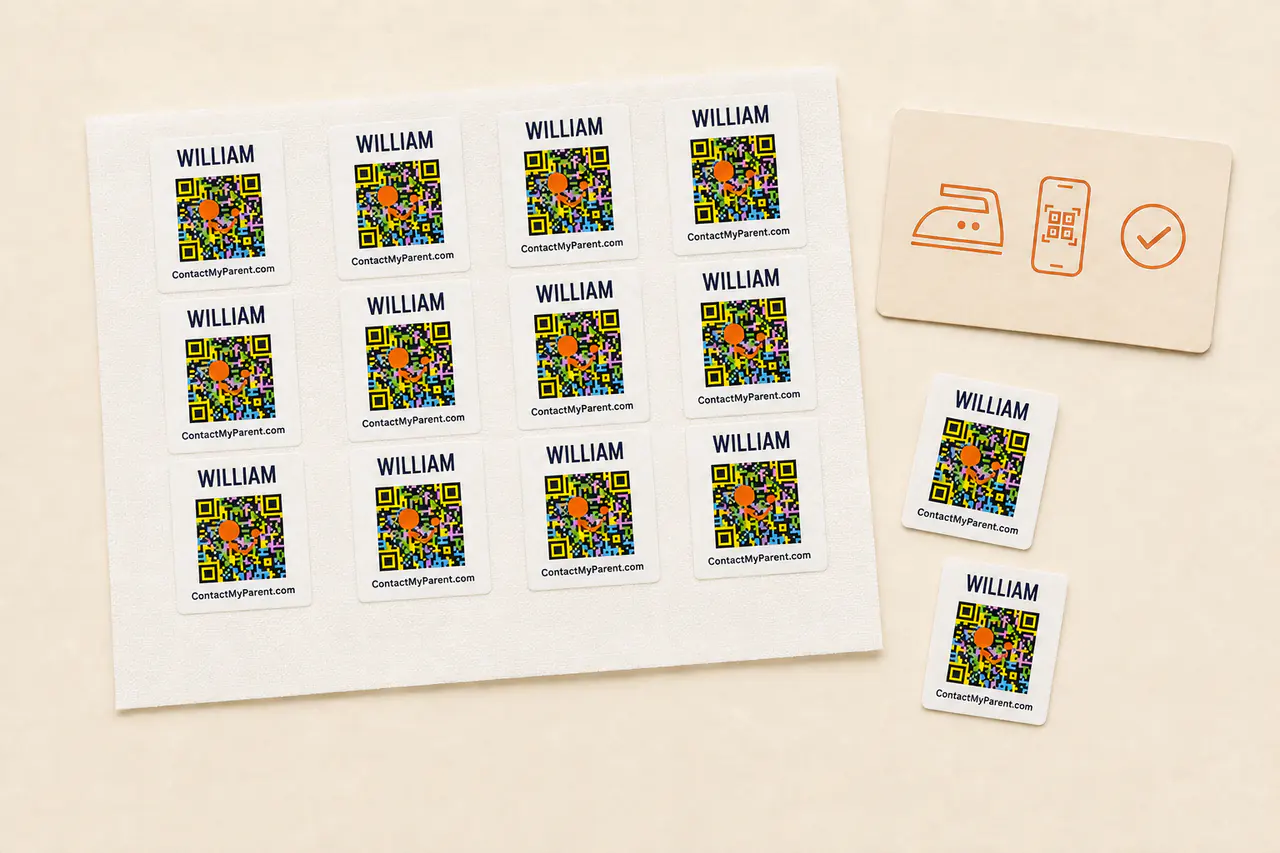
Starter Pack
10 labels
$14
one-time
- 1 Bundle Code
- 10 Iron-On Labels
- Digital Profile
For a small set of everyday essentials.
Family Pack
25 labels
$24
one-time
- 1 Bundle Code
- 25 Iron-On Labels
- Digital Profile
Covers the core school wardrobe for one child.
School Year Pack
50 labels
$39
one-time
- 1 Bundle Code
- 50 Iron-On Labels
- Priority Support
A full year with spares, or two smaller wardrobes.
How to apply them
Iron-on labels fail for one reason, which is not enough heat for long enough. This takes about fifteen seconds per label.
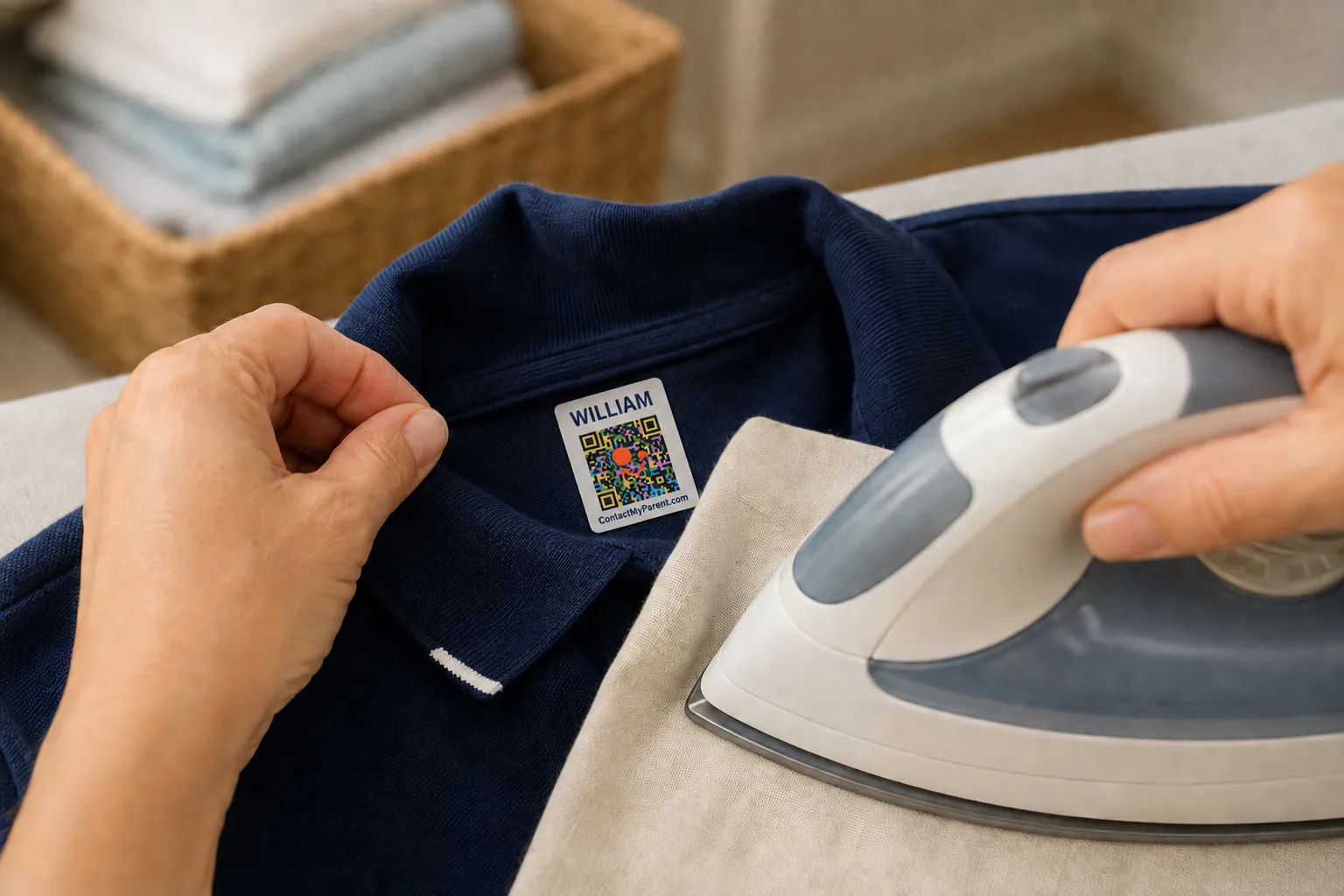
- 1
Set the iron to cotton, steam off
Steam is what stops a label bonding. Turn it off before you start.
- 2
Position the label
On the garment care tag, or inside the collar or waistband. Avoid seams, since the label needs a flat surface.
- 3
Press firmly for ten seconds
Do not move the iron while you press. Lean on it.
- 4
Let it cool completely
Cooling is part of the bond. Do not peel or pick at it while warm.
- 5
Wait 24 hours before the first wash
After that, wash and tumble dry as normal.
Do not apply to nylon, waterproof outer shells, or anything that cannot take a hot iron. Use the waterproof stickers for those instead.
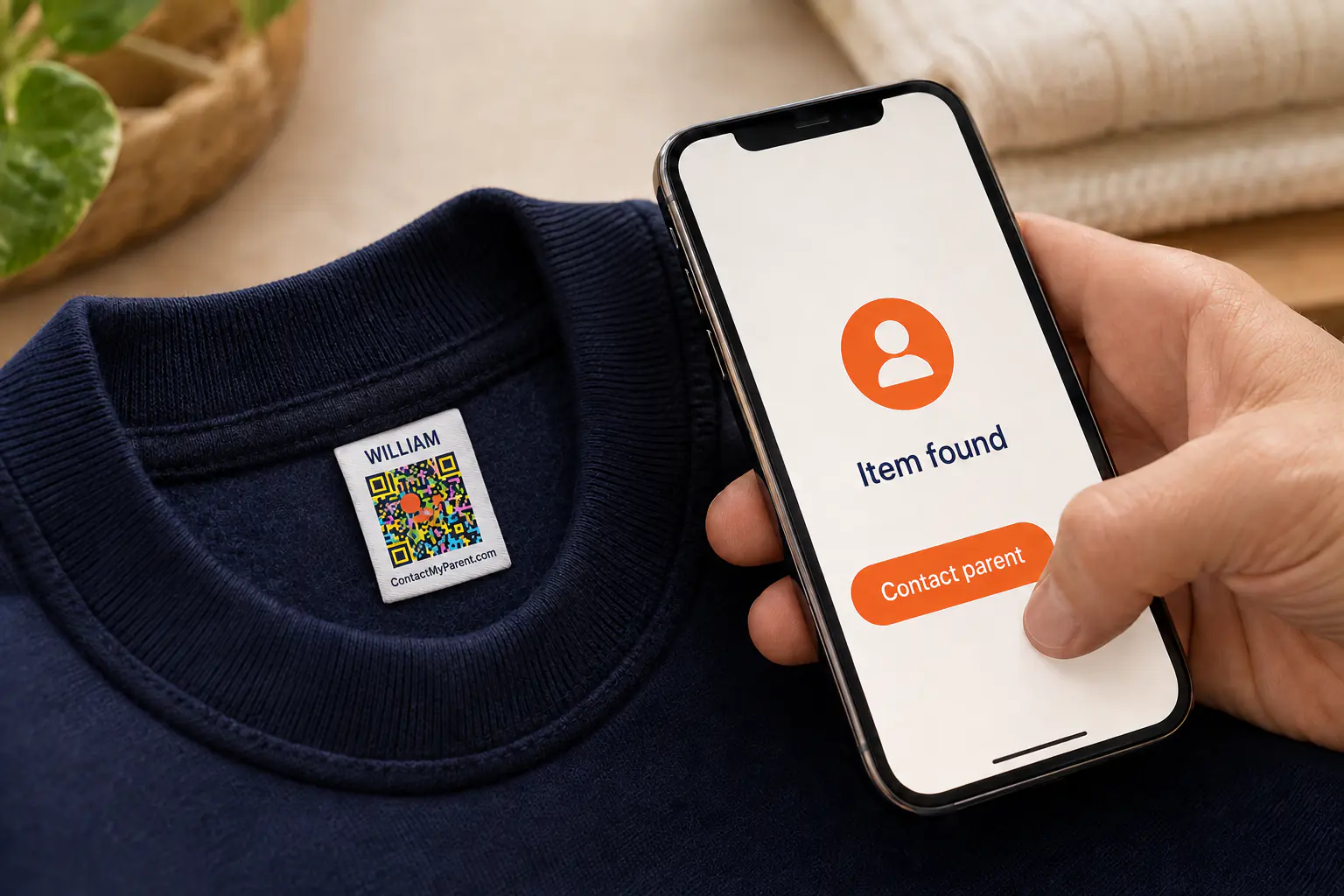
What the QR code does
Whoever finds the item scans it with any phone camera and your contact page opens in their browser. There is no app to download and no account for them to create.
You choose what appears, whether that is a phone number or a message form that reaches you without revealing it, and you can change it any time without replacing a single label. The profile can also carry allergies, conditions and medications, for the teacher, coach or babysitter who has a moment to check.
Do you actually need the QR code?
Not always. For clothing that stays inside a nursery or classroom, a printed name is enough, because staff know your child and lost property comes back by the end of the day.
It matters for the things that leave the building: a coat left on a bus, a jumper dropped at the park, a sports bag left at an away fixture. Whoever picks those up has a first name and no way to act on it. That is the gap this closes.
| Feature | Plain name label | ContactMyParent label |
|---|---|---|
| Returned inside school | Yes | Yes |
| Found by a stranger outside school | Name only | They reach you in seconds |
| Details change after printing | Reprint required | Change online, labels unchanged |
| Your phone number visible to everyone | Only if printed on | Your choice |
Questions parents ask about iron-on labels
Label the wardrobe once, this term
From $14 for ten labels. One-time purchase, no subscription, 30-day returns.