Name labels that help lost things find their way home.
Add your child's name and a QR code to clothing, care tags and school gear. If an item is found, the finder can use your parent-controlled contact page to reach you.
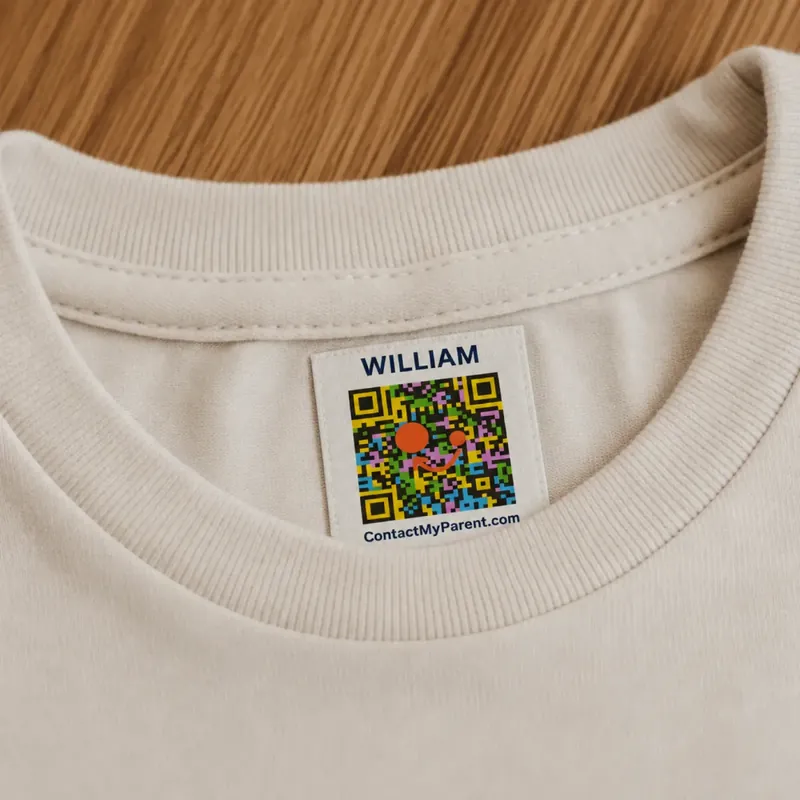
Found a labeled item?
Scan the QR code to contact the parent
3 formats
for garment fabric, existing care tags and hard surfaces
1 profile
to update contact details without replacing linked labels
0 finder apps
a compatible phone opens the contact page in its browser
Choose the format by surface. Every label links to the same editable parent contact profile.
A printed phone number is difficult to change—and visible to everyone.
The Old Way
Traditional name labels can identify an item inside school, but a finder outside school may have no way to contact you.
Printing a phone number adds a contact route, but the number is visible to anyone who sees the label.
If that number changes, the labels must be replaced. Parents may also prefer not to print a personal number directly on every item.
The Better Way
ContactMyParent uses privacy controls.
The QR code holds no personal information. When scanned, it opens a secure contact page. You choose what the finder sees: your full contact details for a direct call, or just a message form if you prefer privacy.
A finder scans the label and uses the contact option you selected, helping you arrange the item's return.
Three steps. No finder account or app.
Label Your Child's Things
Use standard iron-on labels on suitable garment fabric, compact labels on heat-safe care tags, and stickers on clean hard surfaces.
A Finder Scans the QR Code
A finder uses a compatible phone camera or QR scanner. No ContactMyParent app or finder account is required.
The Finder Can Contact You
The finder sees the contact details you choose to share, or a message form when your profile is private.
Already have a pack? Follow the QR code label instructions for parents.
Labels That Stay Put — Through Washes, Adventures, and Everything In Between.
 Most Popular
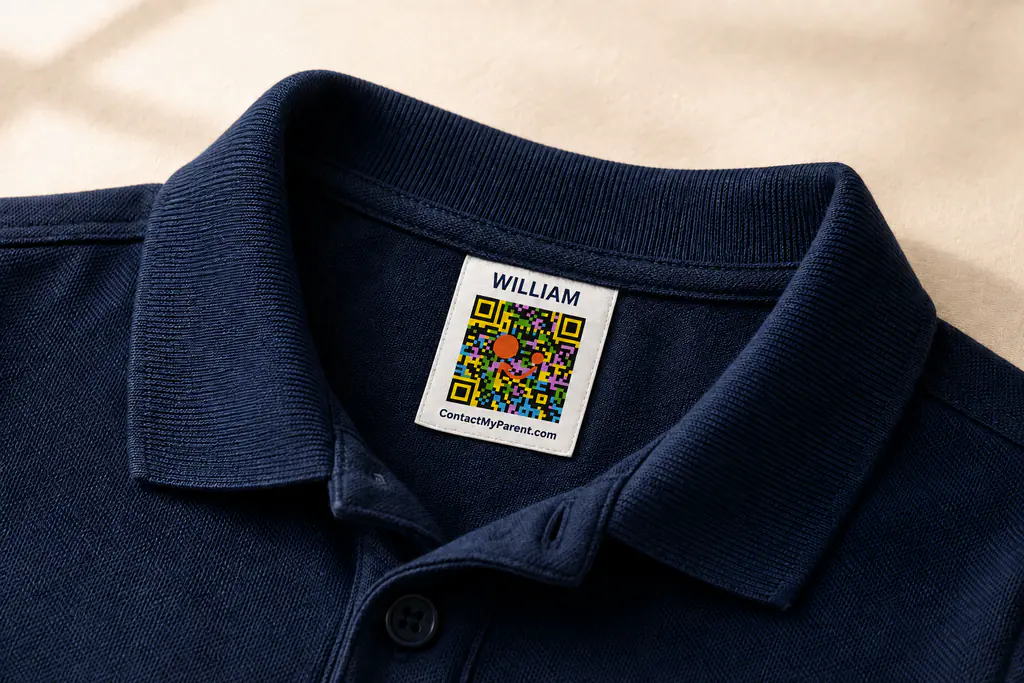
Iron-On Name Labels
Bonds to suitable garment fabric for school uniforms, jackets, sports kits and everyday clothing.
 New
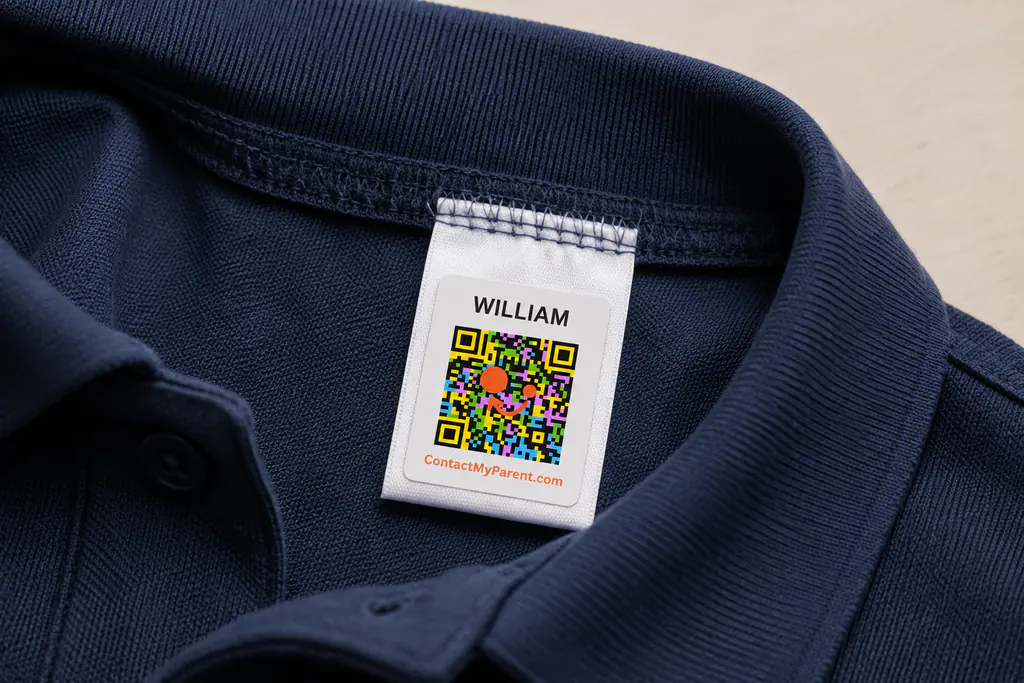
NewIron-On Wash Care Labels
Compact QR name labels made to bond directly onto the care tag already inside the garment.

Waterproof QR Stickers
Peel-and-stick QR name labels for bottles, lunchboxes, bags and other clean hard surfaces.
Compare formats first. Final pricing and shipping are confirmed before an order is accepted.
Built for Parents Who Refuse to Choose Between Safety and Privacy.
Privacy Controls
You choose what finders see — your full contact details, or just a message form. The label holds no personal info.
Three Surface-Specific Formats
Choose between garment-fabric labels, care-tag labels and hard-surface stickers.
No App for Finders
A compatible phone can open the contact page without a ContactMyParent app.
Finder Messaging
Finders can leave you a message when they scan your label. Check it in your dashboard anytime.
One-Time Purchase
No monthly fee is added for the parent contact profile linked to the labels.
Browser-Based Scanning
Compatible iPhone and Android cameras or QR-scanning tools can open the finder page.
Wherever Kids Go, Cover Them.
Theme Parks & Attractions
School & Daycare
Sports & Activities
Family Travel
Shopping & Errands
Fairs & Festivals
Label the belongings that regularly leave home so a finder has a clear way to contact you when something is misplaced.
Your Contact Information Is Never Stored on the Label.
The QR code on your child's label contains only a unique ID — nothing else. No name. No number. No address.
When someone scans it, a secure contact page opens. You decide what they see — your full contact details for a direct call, or a message form only. Your data stays in your account, not on the label.
The label contains no personal information — just a unique code
You control what contact details finders can see
Update your contact info any time — the labels never change
Quick Answers
Choose the right QR name label for each surface.
Compare iron-on labels for garment fabric, compact labels for existing care tags and waterproof stickers for hard surfaces.