Your own QR code
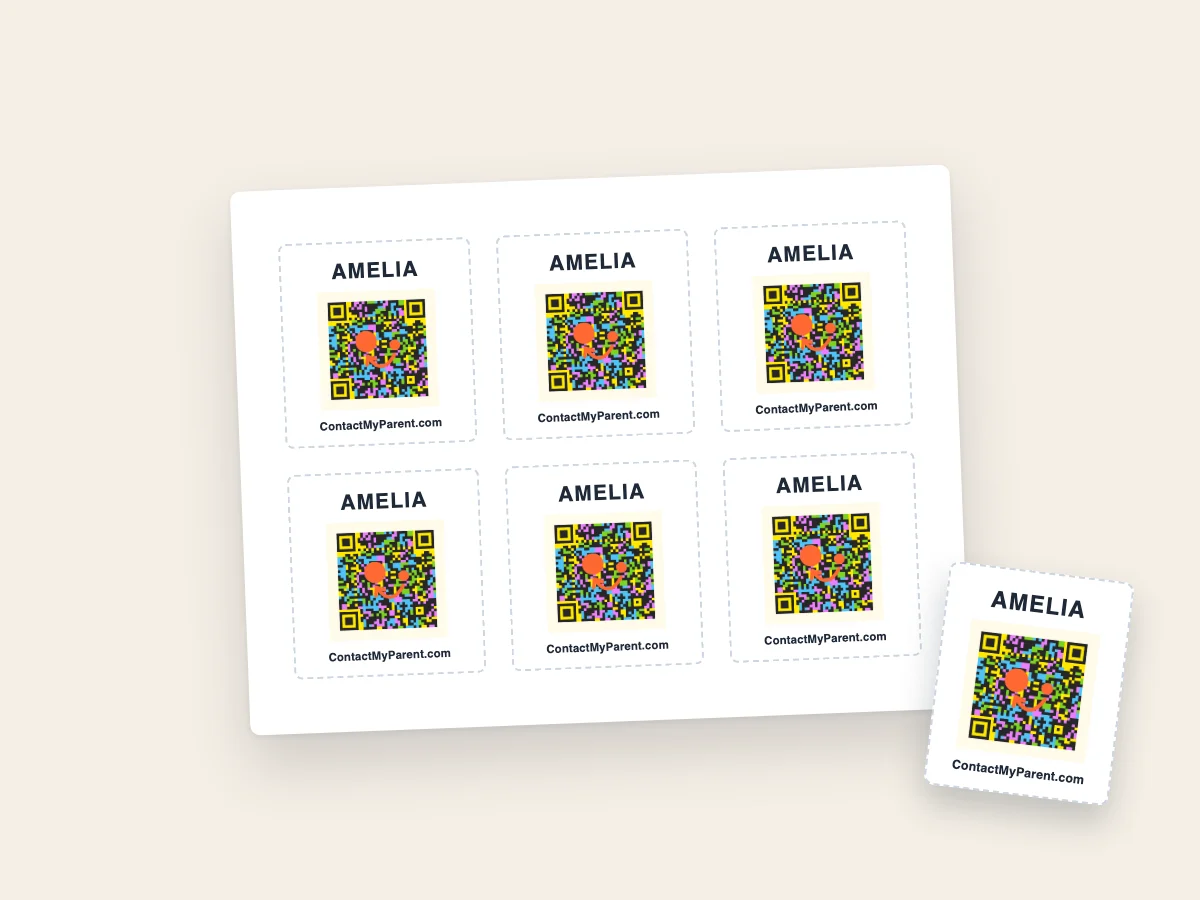
One code, yours, printed above with the name you chose and ContactMyParent.com below. It is the same code we manufacture on the paid labels.
Every label carries a QR code that opens your contact page, so whoever finds the bag can reach you in one scan. Tell us a name and an email, and the code lands in your inbox ready to print. Nothing ships, and nothing is charged.
Takes about a minute. The labels arrive by email.
What you get
There is no cut-down free tier here. The difference between this and a bought pack is what the label is made of, not what it does.
One code, yours, printed above with the name you chose and ContactMyParent.com below. It is the same code we manufacture on the paid labels.
Print one label or a hundred, today or next term. Every copy is the same code, so a soaked or torn label is replaced by printing another.
A finder scans and reaches you, by phone if you allow it and by message either way. Nothing about the free code is cut down.
Four steps
Two boxes. The name goes on the label, the email is where the code is sent and how you sign in later.
It lands in your inbox as an attachment, sized to print at 25mm, along with a link to finish setting up.
Open the link, add your contact details, and choose whether a finder sees them or only a message form. This is the step that makes the code work.
The link drops you on a printable sheet. Choose a size and a quantity, print at 100 percent scale, cut along the dashed lines.
Worth being blunt about this before you print twenty of them.
For clothing, an iron-on label is the version made to stay on.
See iron-on labelsThe label itself holds nothing but a random code. Your details live in your account, which is why you can change them without reprinting anything.
The camera opens a contact page in the browser. No app to install and no account to create.
Your number if you have chosen to show it, and a message form either way. Messages are emailed to you and kept in your dashboard.
Change your number, hide your details, or update the profile at any time. Every label you have already printed follows the change.
Free right now, with no card and no countdown running. We are getting ContactMyParent off the ground and we want as many families using it as possible while we do, so printing your own costs nothing today. We are not promising it stays free forever. If that changes we will say so on this page and email everyone with an account well before it does, and we will never take a payment from you without asking first.
Paper. A home-printed label will not survive a washing machine, a dishwasher or a soaking, which is exactly what an iron-on or a waterproof sticker is made for. On a bag, a bottle or a lunchbox, a printed label does the same job as a bought one.
No. An ordinary printer and ordinary paper are enough. Sticky label sheets work too if you have them. The one thing that matters is printing at 100 percent scale rather than fit to page, or the code comes out the wrong size.
They see a page saying the code is not registered yet, and nothing about you. The code only starts showing your details once you have opened the link in the email and added them.
Yes. Once you are signed in you can create a tag for each child or each bag, name them separately, and print each one on its own sheet.
Nothing. They point a phone camera at the code and a contact page opens in their browser. There is no app and no account for them.
A name, an email, and a printer. If it turns out to be useful, the durable versions are there when you want them.
Get my free labelsFree while we are getting started · No card required